Inside an Adaptive Voice Activity Detector
Most of the audio a speech recognition system processes is not speech. Pauses between sentences. Breaths. Throat clearing. Ambient noise.
If the transcription engine processes all of it, the output fills with garbage - hallucinated words, false starts, noise transcribed as text. The solution is a Voice Activity Detector (VAD).
What a VAD does
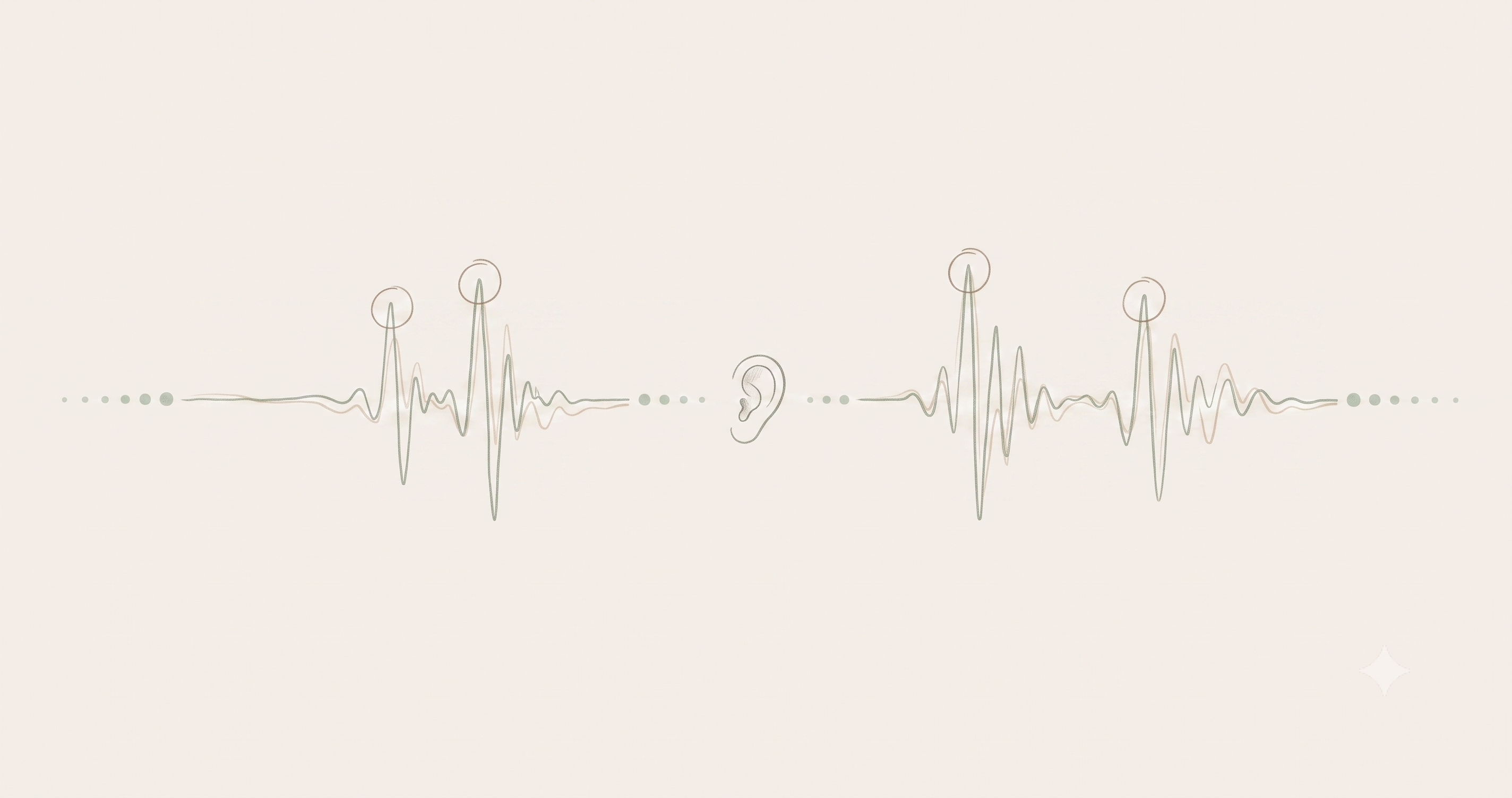
A VAD listens to the audio stream and makes a binary decision every few milliseconds: is this speech, or is it not?
In floure, the VAD runs every 30 milliseconds. When it detects speech, it signals the transcription engine to start. When it detects silence, it tells the engine to stop and finalize the current segment.
Simple in concept. Hard to get right in practice.
Why adaptive
A fixed threshold fails because environments vary too much:
| Environment | Problem with a fixed threshold |
|---|---|
| Quiet office | Catches mouse clicks as speech |
| Coffee shop | Misses quiet speech entirely |
| Room with a fan | Steady noise masks soft consonants |
| Meeting room | Echo triggers false positives |
Tune for quiet, and it fails in noise. Tune for noise, and it fails in quiet. A fixed threshold cannot win.
floure's VAD adapts. It spends the first 500 milliseconds learning the environment: noise floor, frequency profile, acoustic characteristics. Then it continuously updates its model as conditions change. A fan turning on mid-session? The VAD notices and adjusts within seconds.
It adapts to:
- Background noise level
- Your speaking volume
- Microphone characteristics
- Room acoustics and echo
How it works internally
The VAD combines four techniques and lets them vote:
- Energy detection - Is the audio loud enough relative to the noise floor?
- Spectral analysis - Does the frequency distribution match human speech (300Hz–3.4kHz)?
- Temporal logic - Is this sustained vocalization or a transient spike (cough, door slam)?
- Adaptive thresholding - What counts as "speech level" changes with the environment
If three out of four vote "speech," it is speech. This ensemble approach reduces false positives by 60% compared to energy-only detection. The entire system runs at under 1% CPU usage.
The result
Press Ctrl+Space. Speak. Stop. The VAD handles the boundaries. The transcription engine only processes actual speech. The output is clean, with no false starts or trailing silence.
No configuration. No sensitivity sliders. No manual push-to-talk setup. It just works across different environments without any adjustment.